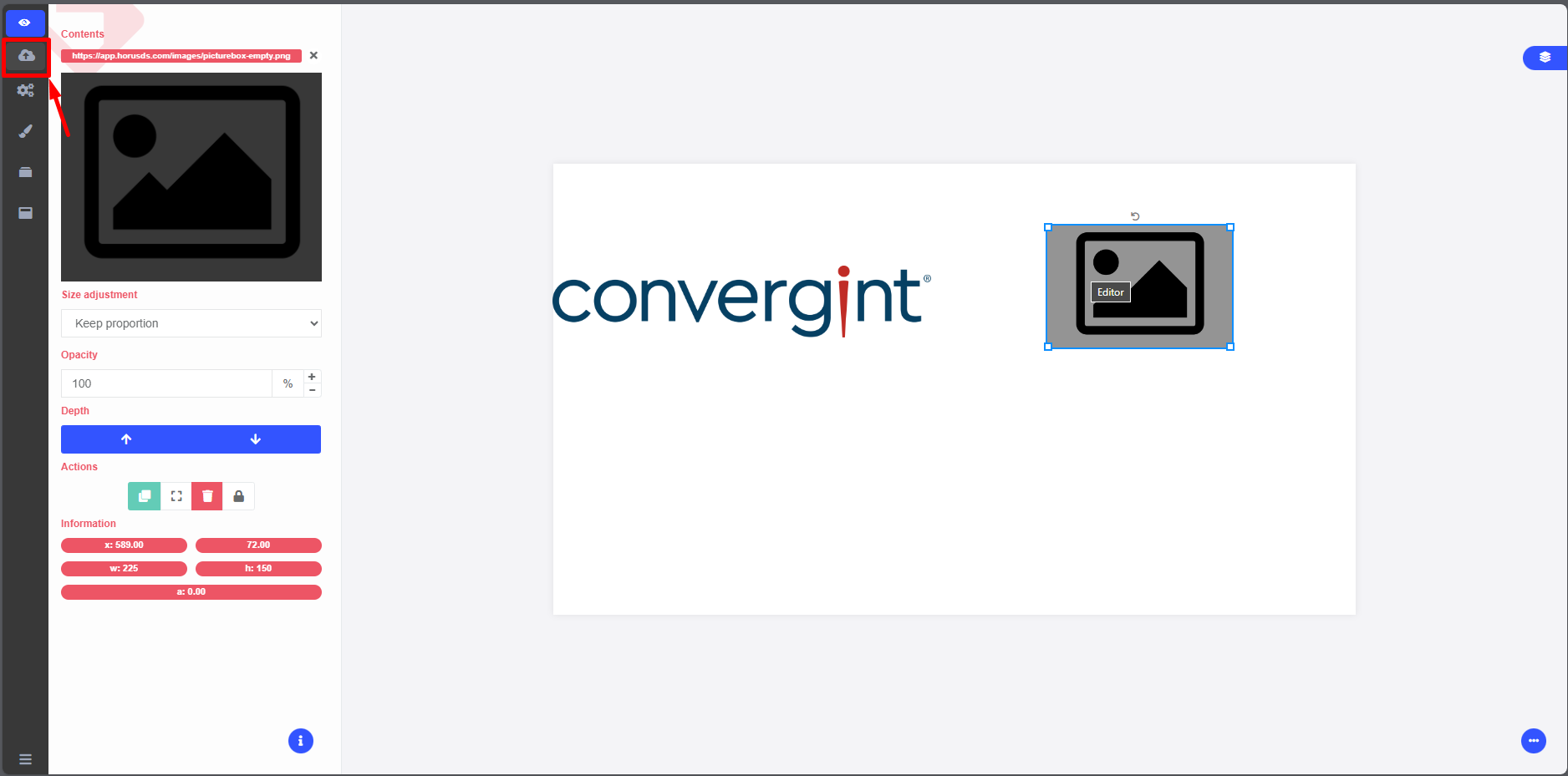
Slide Editing
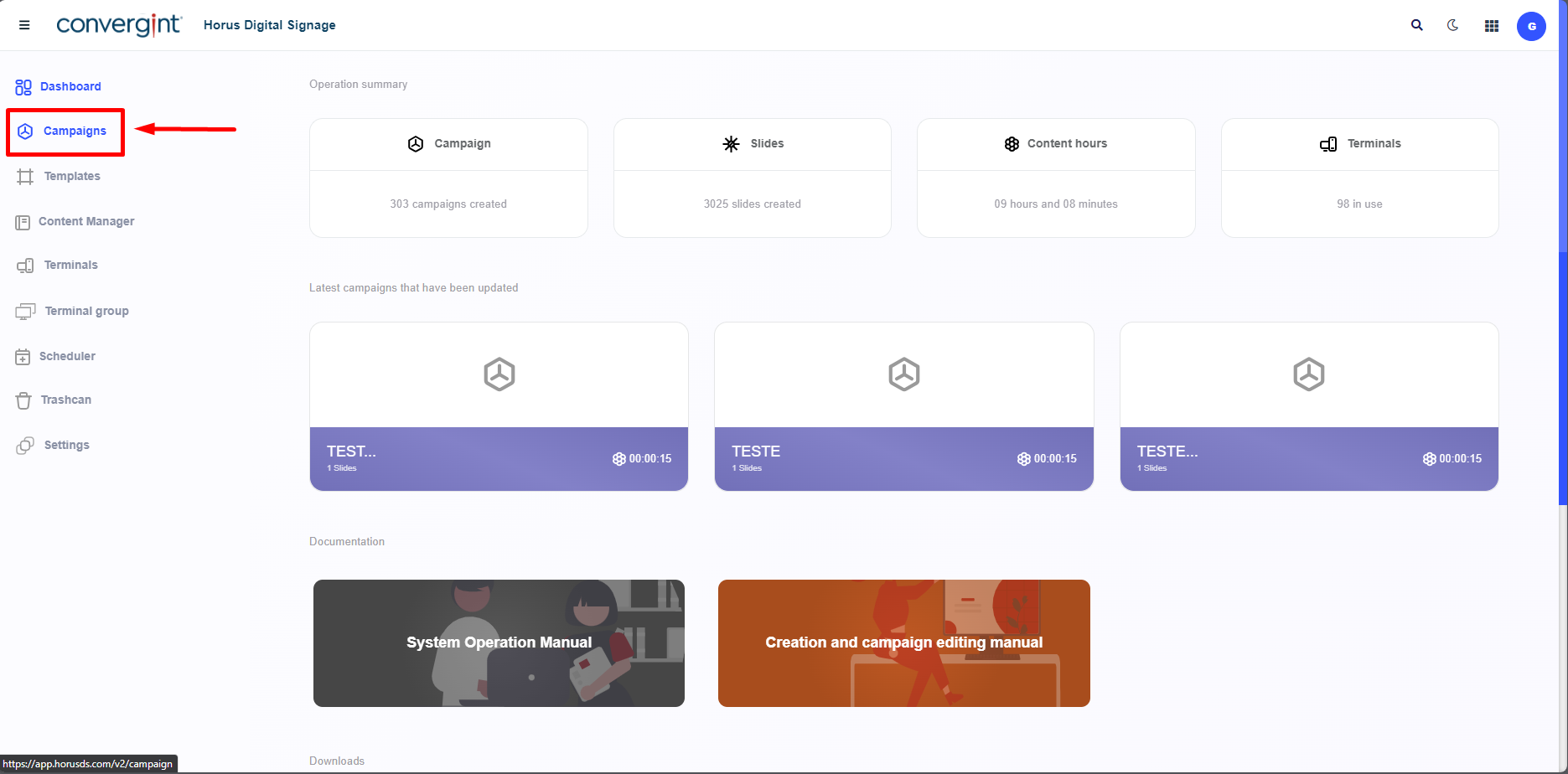
The first step for editing a slide is to access the "Campaigns" tab. This function allows for the creation of campaigns that involve adding slides for a customized display or presentation in Horus Digital Signage.
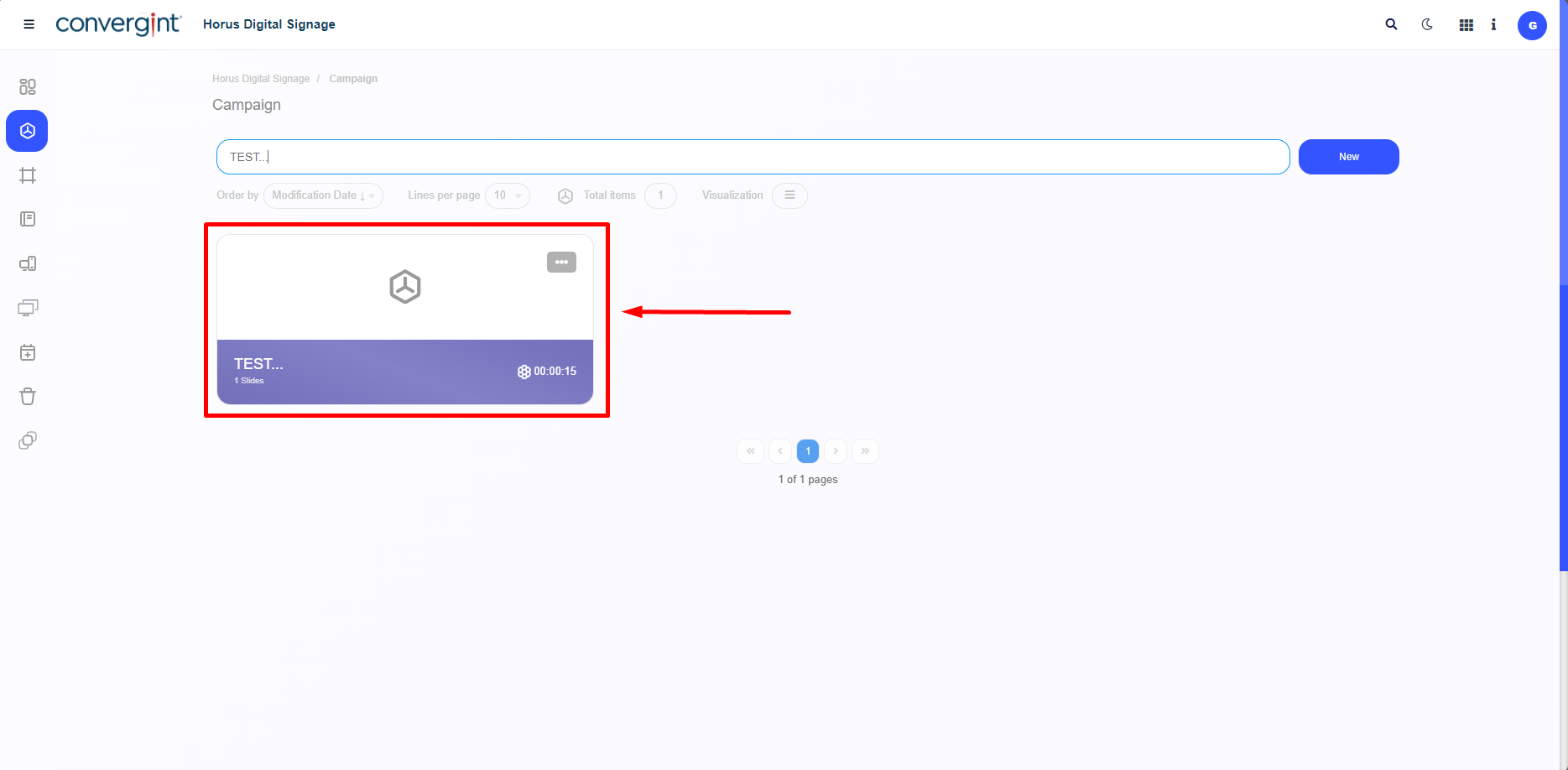
After following the steps described earlier, the campaign will be registered. To edit a slide in the campaign, you need to access a previously created campaign that contains the slide you wish to edit.
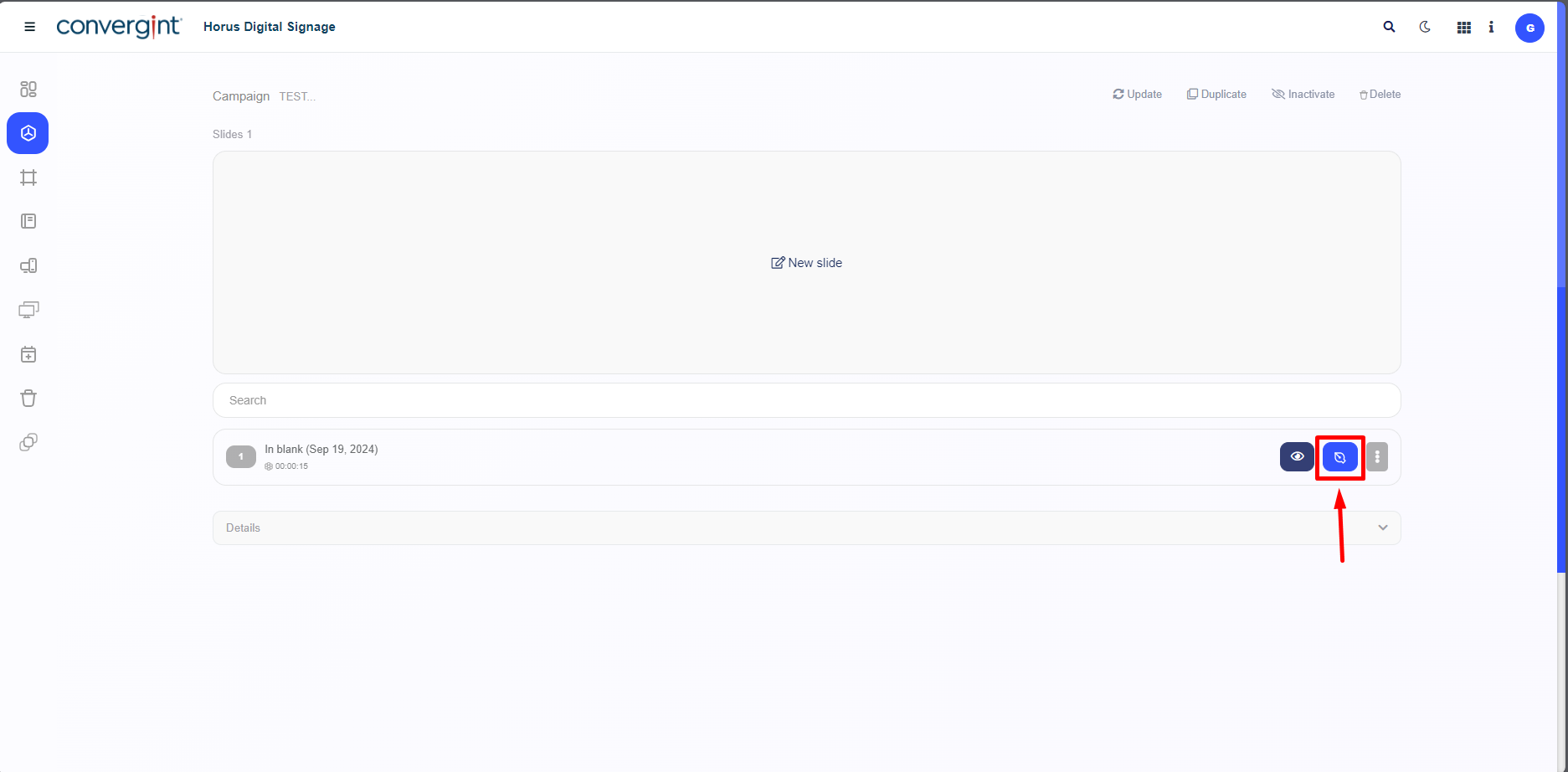
After accessing a campaign, the system will display the corresponding interface, where you can edit a slide by clicking the blue icon located on the right side of the screen.
After clicking the highlighted "Edit Slide" button, the Slide Editor will be displayed, offering a variety of templates that can be used or modified for the slide you wish to edit. After making your changes, simply click the "Save" button to save the slide.